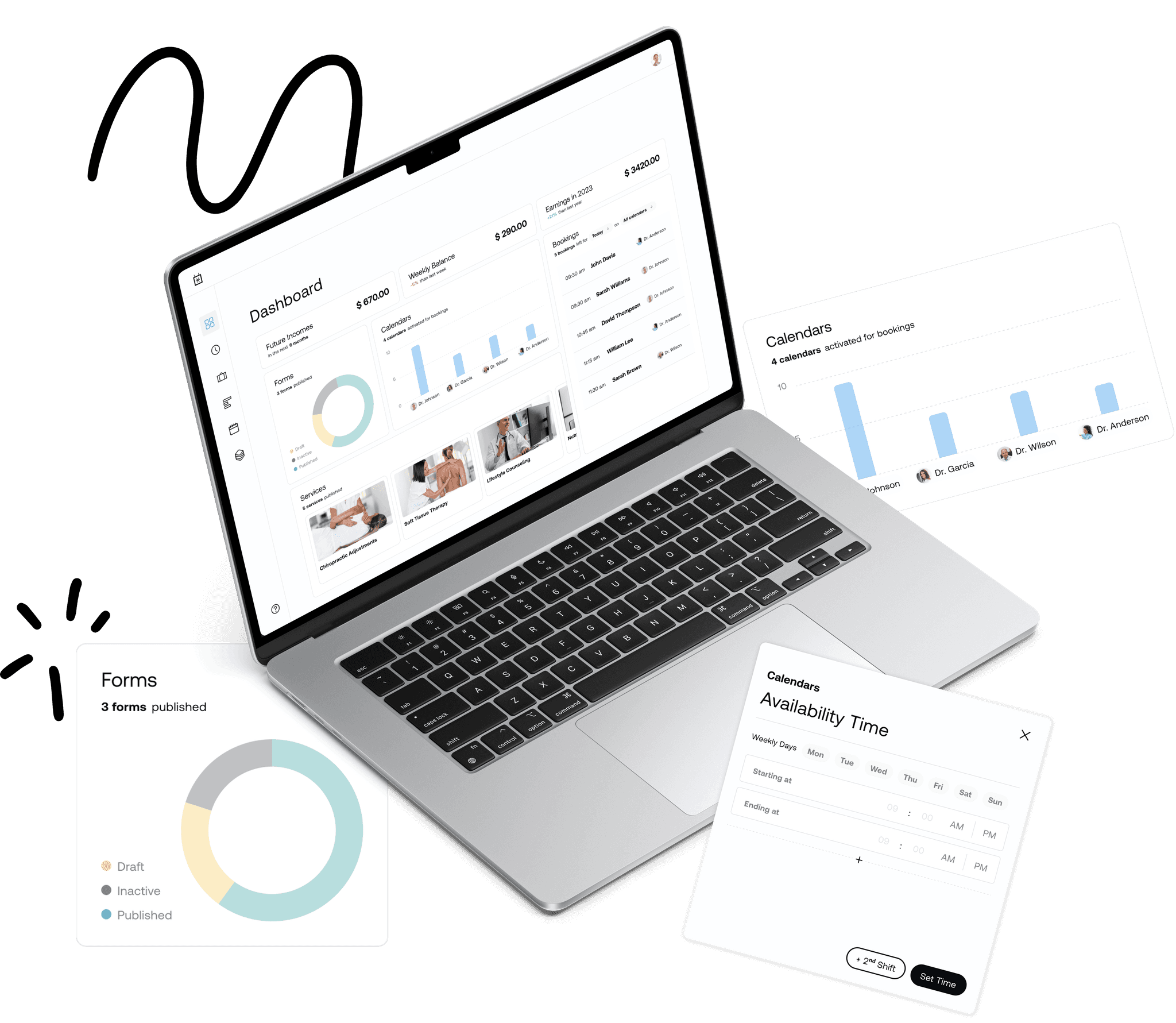
Most web applications are built around what's technically possible — not around how real people work. The result: systems that require training to understand, screens that ask for too much at once, and teams that spend more time navigating the tool than doing the actual work.
A well-designed web application puts the logic in the interface. Users don't need to figure it out — they just do what they came to do. That's when the tool stops being a friction point and starts delivering the value it was built for.
The starting point is always the same: understanding the real workflow. Not the ideal version — the one that actually happens day to day, with its gaps, workarounds, and pain points.
From there, every design decision is anchored in simplifying that workflow, reducing cognitive load, and making the most important actions obvious. The goal isn't a beautiful interface. It's a tool people actually want to use.
01
Diagnose
Mapping the real workflow before anything else. Who uses the tool, what they need to accomplish, where things break down, and what they're working around today. No assumptions, just clarity.
02
Information Architecture
Structuring the product logic before touching the visual design. Defining what goes where, how users navigate between screens, and what the key flows look like from end to end.
03
UI Design
Building the interface around the architecture. Clear, accessible, and consistent — designed to reduce friction and get out of the way of the work that matters.